
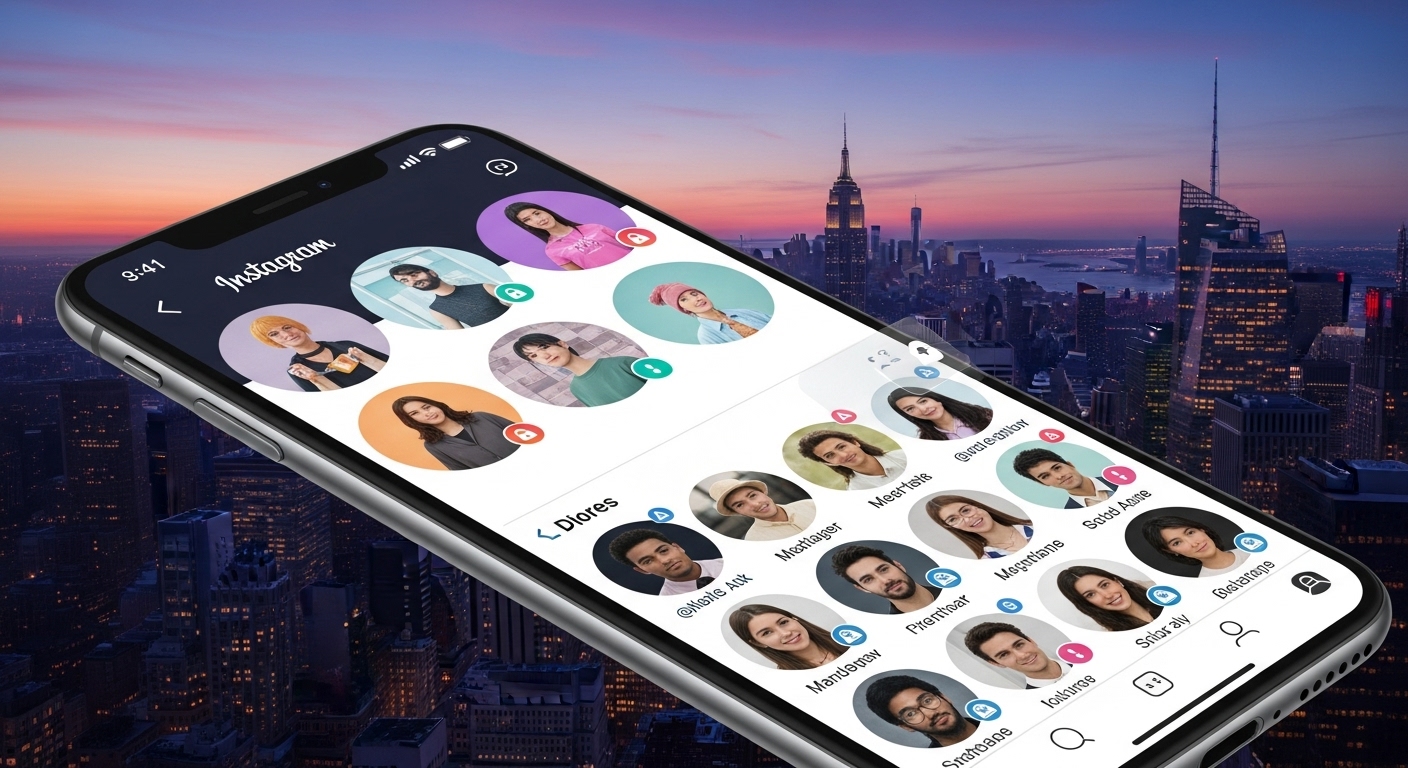
Key Points
- Research suggests Picuki, or similar tools operating under that name, allows anonymous viewing of public Instagram content, but as of 2026, the original site has pivoted to TikTok viewing, with clones like picuki.site offering Instagram features; always verify the site’s current functionality.
- It seems likely that using these tools for public profiles is generally safe and legal for personal use, though they may violate Instagram’s terms of service, and privacy risks exist with third-party sites.
- The evidence leans toward Picuki being effective for browsing stories, posts, and downloading media anonymously, but limitations include public accounts only, potential delays in content, and no access to private profiles.
- Controversy surrounds third-party viewers like this, with some viewing them as helpful for privacy-conscious users, while others highlight ethical concerns over bypassing platform controls; approach with caution and respect content creators’ rights.
Getting Started with Picuki
Think of Picuki as that friend who lets you peek at a party without showing up on the guest list. To begin, head to a reliable site like picuki.site or check for active domains, since the original picuki.com now focuses on TikTok. No app download or account needed, just a web browser.
Basic Steps for Browsing Stories
- Enter the username in the search bar.
- Click on the profile.
- Select “Stories” or highlights to view anonymously.
- Download if desired by clicking the button.
Privacy and Limitations
These tools prioritize anonymity, but stick to public content to avoid issues. If something feels off, explore alternatives like Dumpor or StoriesIG for similar features.
Have you ever wanted to check out a celebrity’s latest Instagram story or scope a brand’s feed without them knowing you were there? Maybe you’re a digital marketer gathering ideas, or just someone who values their privacy online. That’s where Picuki comes in, a handy Instagram viewer that lets you browse without an account or leaving any digital footprints. In this guide, we’ll walk through everything from the basics to advanced tips, making it feel like we’re chatting over coffee about your next social media hack.
What Exactly Is Picuki?
Picture this: Instagram is like a bustling cafe where everyone shares their moments, but sometimes you just want to observe from the window without walking in. Picuki acts as that window, an online tool designed for anonymous browsing of public Instagram content. It started as a simple viewer and editor, allowing users to see profiles, stories, posts, and more without logging in. As of 2026, the original site has shifted focus to TikTok viewing (now called Tikvib.com), but several clones and similar platforms like picuki.site keep the Instagram functionality alive. These sites pull public data via Instagram’s API, meaning no private accounts or direct interactions.
A common misconception is that Picuki can access private profiles, but that’s not true; it only works for public ones. For example, if you’re researching a brand like Nike, you can view their posts and stories without them seeing a “viewed” notification.
Setting Up for Anonymous Browsing
Getting started is as easy as grabbing your phone or laptop. No downloads, no sign-ups, just visit a working Picuki site (search for “Picuki Instagram viewer” to find active ones, as domains can change). Here’s a quick step-by-step:
- Open your browser and go to picuki.site or a similar domain.
- In the search bar, type the Instagram username (like @natgeo for National Geographic).
- Hit search, and voila, their profile loads with posts, stories, and highlights.
- Click on any story to view it full-screen, all anonymously.
This setup ensures no trace is left, perfect for social media enthusiasts who want to stay under the radar.
Viewing Instagram Stories Without an Account
Stories are those fleeting glimpses into someone’s day, and Picuki makes them easy to catch without committing. Say you want to see a friend’s travel updates but don’t want to alert them. Enter their username, navigate to the “Stories” section, and browse away. Highlights (those archived stories) show up too, great for researchers digging into past content.
One tip: Content might load with a slight delay compared to the app, since it’s pulling from public sources. For brands like Starbucks, this means you can monitor their promotional stories without engaging.
Advanced Search Features: Hashtags and Locations
Beyond profiles, Picuki shines as a social media aggregator. Want to see what’s trending in New York? Search by location like “New York City” to pull up geo-tagged posts. Or dive into hashtags, say #TravelTips, to curate ideas for your own feed.
For digital marketers, this is gold. Imagine compiling competitor analysis by searching #FitnessMotivation to see top posts from brands like Peloton. The interface is intuitive, with results displayed in a grid for easy scrolling.
Here’s a table comparing search types:
| Search Type | What It Does | Example Use Case | Limitations |
|---|---|---|---|
| Username | Views full profile, stories, posts | Checking a influencer’s content | Public only |
| Hashtag | Aggregates posts with that tag | Trend research for #SustainableFashion | No real-time sorting |
| Location | Shows geo-tagged content | Local event scouting in “Los Angeles” | Depends on users tagging locations |
This organization helps avoid overwhelming feeds, making content discovery feel like a treasure hunt.
Downloading Instagram Photos and Videos
Need to save that inspiring photo for later? Picuki doubles as an online image downloader. After searching a profile or post, click the download button for high-res images or videos. It’s straightforward: no watermarks, just pure content.
But remember, respect copyrights. For personal use, like mood boards for a project, it’s fine, but don’t repost without credit. Researchers might use this to archive public data, say from environmental accounts like @wwf.
Editing Photos Online with Picuki
Picuki isn’t just a viewer; it’s a profile editor too. Select a photo from a profile (yours or public), and tweak it with filters, text, stickers, or rotations. Download the edited version to share elsewhere. It’s like a mini Photoshop for quick fixes, ideal for Instagram users seeking privacy while polishing content.
Debunking a myth: This isn’t advanced editing software, so for pro work, pair it with tools like Canva.
Is Picuki Legal and Safe?
On the safety front, Picuki sites claim full anonymity, and for public viewing, it’s generally legal as long as you’re not scraping for commercial gain. However, third-party tools can pose risks like data logging or malware, so use HTTPS sites and avoid sharing personal info. Instagram’s TOS frowns on these, but enforcement is rare for casual users.
For balance, some argue these tools undermine creators’ privacy controls, while others see them as empowering for open web access.
Picuki Alternatives for 2026
If Picuki isn’t loading (common in 2026 due to API changes), try these:
| Alternative | Key Features | Pros | Cons |
|---|---|---|---|
| Dumpor | Anonymous viewing, downloads | Reliable, ad-light | No editing |
| Inflact | Analytics, hashtag search | Pro tools for marketers | Some paid features |
| StoriesIG | Story focus, anonymous | Fast loads | Limited to stories |
| Imginn | Profile browsing, saves | Simple interface | Occasional downtime |
| SmiHub | Hashtag aggregator | Free, no install | No location search |
These keep the spirit alive, with Dumpor being a top pick for basics.
Troubleshooting Common Issues
Running into errors? Clear your cache, try incognito mode, or switch browsers. If content doesn’t load, it might be due to Instagram updates blocking third-party access. For mobile, desktop views often work better.
Wrapping It Up: 5 Practical Tips
- Always double-check site security before using.
- Use for inspiration, not infringement.
- Combine with official Instagram for a full experience.
- Explore hashtags for niche discoveries.
- If privacy is key, test alternatives regularly.
What’s your take on anonymous browsing? Have you tried Picuki or a similar tool? Share in the comments!
You May Also Like: Tired of App Whiplash? How Rapelusr Might Just Organize Your Creative Chaos
FAQs
Can I view private Instagram profiles with Picuki?
No, it only works for public accounts.
Does the original poster know if I download their photo?
Typically no, as it’s anonymous.
Is there a mobile app for Picuki?
It’s web-based, no official app.
How do I edit a photo on Picuki?
Search the profile, select the photo, click edit, apply changes, and download.
What if Picuki isn’t working in 2026?
Try alternatives like Dumpor or Inflact.
Can I search by location on Picuki?
Yes, enter a place name to see tagged posts.
Is Picuki free?
Completely, no hidden costs.